

Short answer: Invite a friend by email from your account. Your friend gets $10 to spend on their first shipment, and you get $10 in shipping credit once they've spent $50 on ForwardMe.
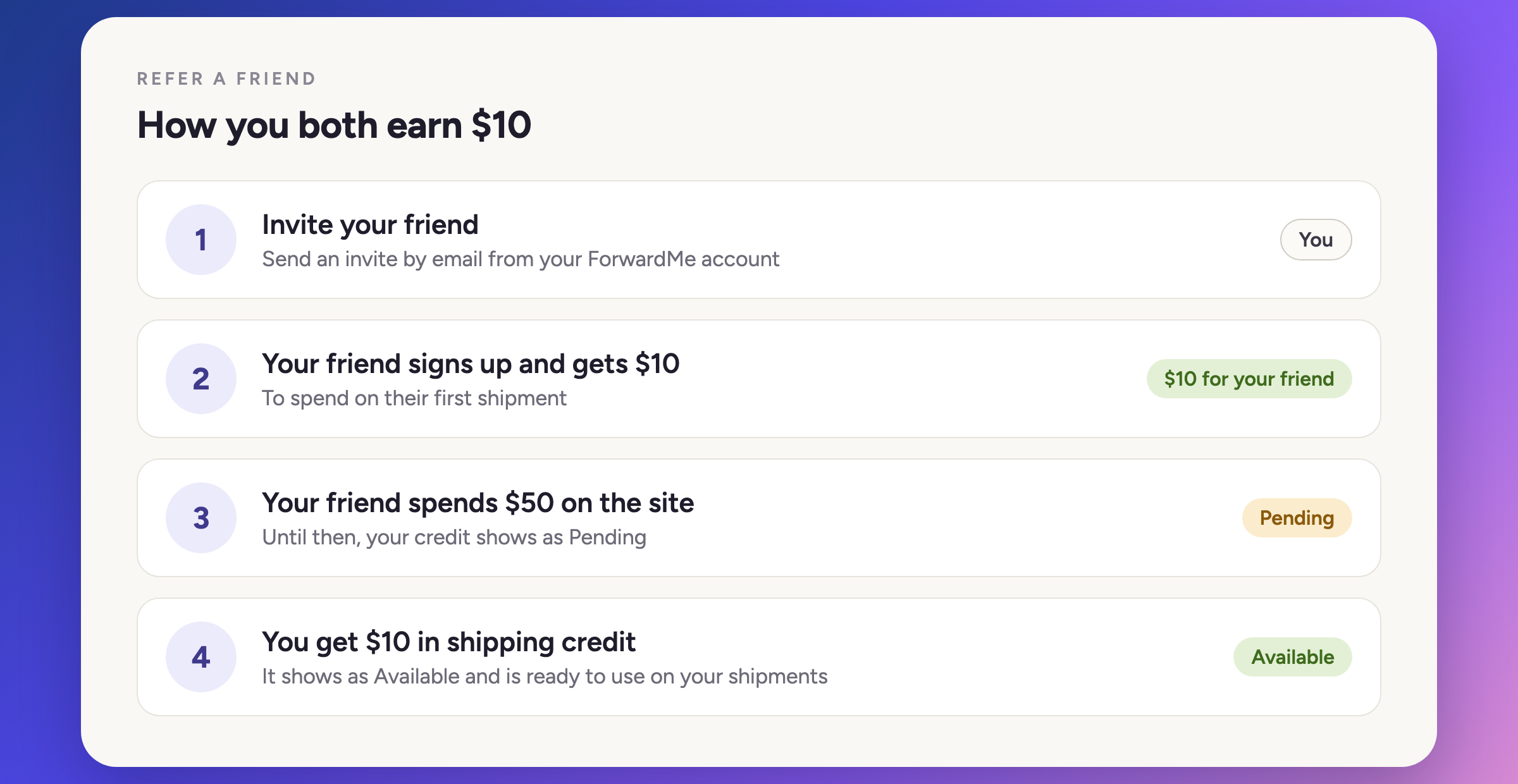
How it works
- Send an invite. Invite your friend by email from your ForwardMe account.
- Your friend signs up. Signing up is free.
- Your friend gets $10. They can spend it on their first shipment.
- Your friend spends $50. Once they've spent $50 on the site, your reward is unlocked.
- You get $10. It's added to your account as shipping credit.
| Who | Reward | When |
|---|---|---|
| Your friend | $10 | To spend on their first shipment |
| You | $10 shipping credit | When your friend has spent $50 on the site |
Pending and Available credit
Your referral credit shows in your account in two stages:
- Pending: you've invited a friend, but they haven't reached $50 in spending yet.
- Available: your friend has spent $50, and the credit is ready to use on your shipments.
Tips
- Use your friend's correct email address when you send the invite.
- Tell your friend how ForwardMe works. "How ForwardMe works: from sign-up to your door" is a good place to start.
- Share the basics. Your friend needs to use their own suite number on every order, as explained in "What is a suite number and why does it matter?".
Common questions
When do I get my $10? When your friend has spent $50 on the site. Until then, the credit shows as Pending.
What can my friend use their $10 on? Their first shipment.
Why is my credit still Pending? Your friend hasn't spent $50 on the site yet. Once they do, the credit moves to Available.
What can I use my referral credit on? It's shipping credit, so you can use it on your shipments.
How do I invite someone? Send the invite by email from your ForwardMe account.
Still need help?
Our support team is available on weekdays from 09:00 to 17:00 ET at [email protected].